
Prevent Screenshots and Image Theft: What Photographers Need to Know
For photographers, sharing images with clients is an essential part of doing business. But the moment an image appears on a screen, another concern enters the picture:
What happens if a client screenshots or saves an image they haven’t purchased?
For photographers whose sales depend on clients selecting and purchasing individual images, collections, albums, prints, or digital files, unauthorized image capture can affect more than image security. It can undermine the sales process itself.
And as technology changes, the tools photographers use to protect their work are changing too.
Image Theft Is Also a Sales Issue
Photographers put significant time, expertise, and creativity into every finished image.
The session itself is only one part of that process. Planning, equipment, editing, retouching, gallery preparation, client communication, education, and professional experience all contribute to the final product.
When an image is captured without being purchased, the photographer can lose control over how that work is used and may also lose the sale attached to it.
That makes image protection part of a much larger business conversation:
How do you allow clients to view their photographs while still protecting the value of what you’re selling?
The answer can depend heavily on your sales model.
Image by Jackie Orlando
Three Common Approaches to Photography Sales
There is no single sales system that works for every photography business. Photographers generally build their process around one of several approaches.
Online Sales
With an online model, clients view their images through a digital gallery and make selections or purchases on their own.
It can offer tremendous convenience for both photographer and client, but it also means your images are being viewed digitally outside of a traditional in-person sales appointment.
For photographers using this approach, protecting images during the viewing and purchasing process becomes especially important.
In-Person Sales
In-person sales allow the photographer to guide clients through image selection and purchasing, often during a dedicated ordering appointment.
This creates a very different sales experience and gives the photographer greater involvement in how images are presented and purchased.
However, it can also require more time, scheduling, and hands-on involvement from the photographer.
A Hybrid Approach
Many photographers combine elements of both.
A photographer might personally guide part of the sales process while still using digital tools or online galleries for viewing, selection, ordering, payment, or delivery.
The challenge is finding the right balance between convenience for the client and protection for the photographer.
Is a Watermark Enough?
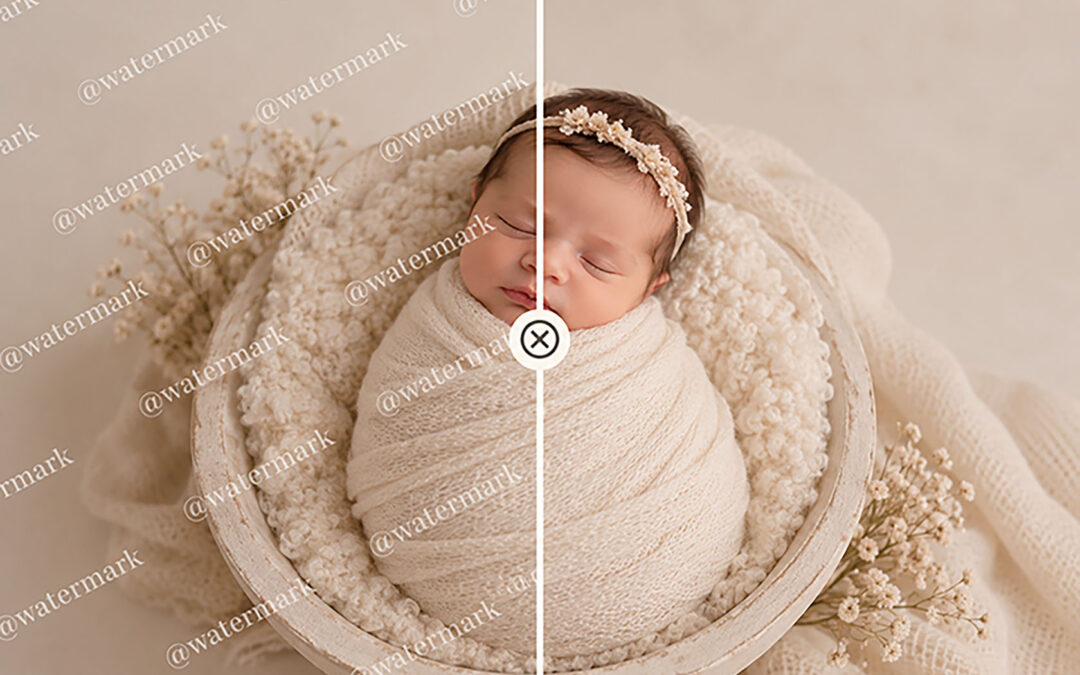
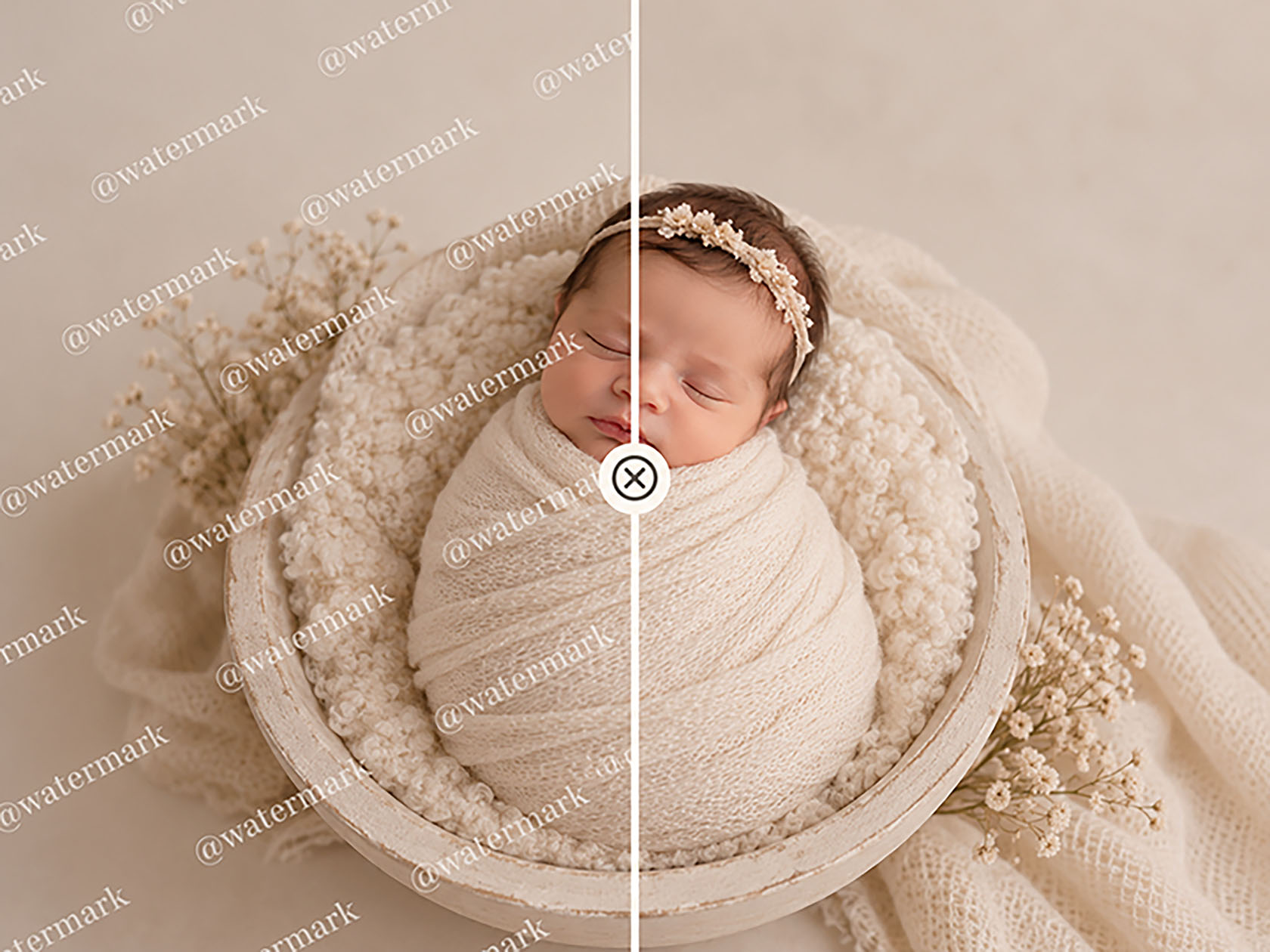
Photographers have traditionally relied on tools such as watermarks, proofing galleries, reduced-resolution images, contracts, and clearly communicated usage policies to help protect their work.
These tools can still have an important place in a photography business.
But the digital landscape continues to change. Safe Frame, for example, points to increasingly sophisticated tools for removing watermarks and improving lower-resolution captures as part of the reason it developed a different approach to client galleries.
That has created an interesting new question:
Instead of trying to make a screenshot less useful after it has been taken, what if the gallery itself could help prevent the screenshot from being taken in the first place?
A New Approach to Screenshot Protection
Safe Frame is a client-gallery system created for photographers with built-in screenshot protection as part of the viewing experience.
The system has two parts working together.
Photographers use SafeFrame Pro to create and manage client galleries, upload images, choose protection settings, receive orders and comments, and release purchased images for download.
Clients use the MySafeFrame mobile app to access their private gallery, view photographs, select favourites, leave comments, submit an order, and receive their final purchased images.
The important difference is what happens while those photographs are being viewed.
On supported devices, MySafeFrame is designed to block or respond to screenshot and screen-recording attempts while protected gallery content is visible. Safe Frame can also add automatic watermarks and animated visual noise as additional layers of protection.
That means the technology isn’t simply trying to identify image theft after it happens. It is designed to put protection directly into the gallery experience.
See Safe Frame in Action
In the APNPI Academy course Booked, Paid & Protected, photographer Amanda Capello takes a closer look at three common photography sales models and the strengths of each approach.
She also introduces Safe Frame and demonstrates how this new approach to screenshot protection can fit into a photography sales workflow.
Rather than treating image protection as a separate issue, Amanda explores how the way you sell your photographs and the way you protect them can work together as part of a stronger business process.
Whether you’re reconsidering your entire sales system or simply looking for better ways to protect the value of the images you create, Booked, Paid & Protected gives you an opportunity to explore your options and see the technology in action.
Booked, Paid & Protected with Amanda Capello
Explore your sales options. See Safe Frame in action. Protect the value of your work.
WATCH BOOKED, PAID & PROTECTED
Streaming now for Platinum and Academy members, or available for individual purchase.